Making It Easy (repost)
Open PDFDocument date: 2004-07-02
Type: SIDtoday
Pages: 1
Genre: newsletter
Banner: DYNAMIC PAGE -- HIGHEST POSSIBLE CLASSIFICATION IS TOP SECRET // SI / TK // REL TO USA AUS CAN GBR NZL
Classification: UNCLASSIFIED
Dissemination: FOUO
(Repost) How to make SIDtoday your home page in Netscape and Explorer.
My notes
DYNAMIC PAGE -- HIGHEST POSSIBLE CLASSIFICATION IS
TOP SECRET // SI / TK // REL TO USA AUS CAN GBR NZL
SIDtoday
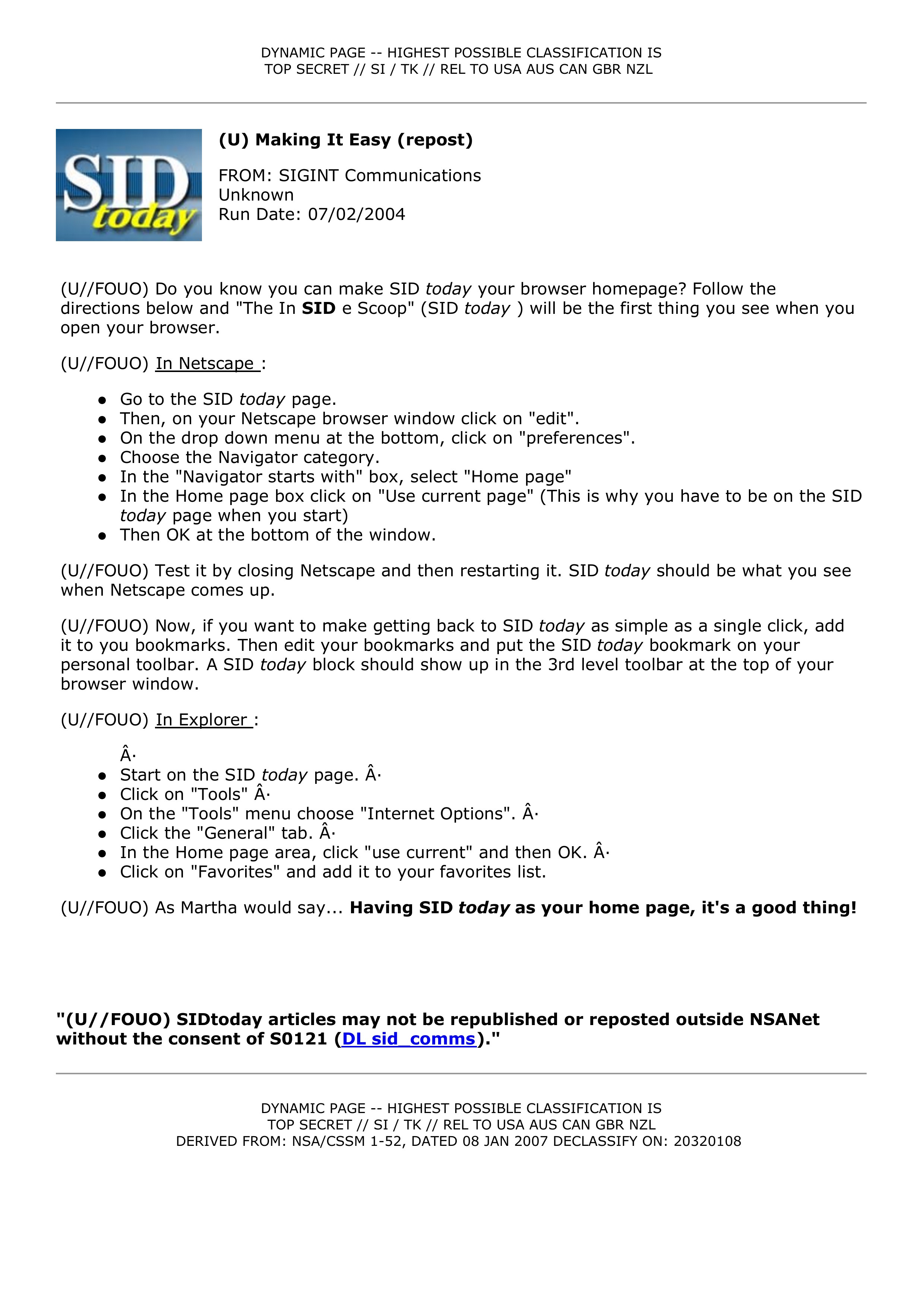
(U) Making It Easy (repost)
FROM: SIGINT Communications
Unknown
Run Date: 07/02/2004
(U//FOUO) Do you know you can make SID today your browser homepage? Follow the
directions below and "The In SID e Scoop" (SID today ) will be the first thing you see when you
open your browser.
(U//FOUO) In Netscape :
- Go to the SID today page.
- Then, on your Netscape browser window click on "edit".
- On the drop down menu at the bottom, click on "preferences".
- Choose the Navigator category.
- In the "Navigator starts with" box, select "Home page"
- In the Home page box click on "Use current page" (This is why you have to be on the SID today page when you start)
- Then OK at the bottom of the window.
(U//FOUO) Test it by closing Netscape and then restarting it. SID today should be what you see
when Netscape comes up.
(U//FOUO) Now, if you want to make getting back to SID today as simple as a single click, add
it to you bookmarks. Then edit your bookmarks and put the SID today bookmark on your
personal toolbar. A SID today block should show up in the 3rd level toolbar at the top of your
browser window.
(U//FOUO) In Explorer :
·
- Start on the SID today page. ·
- Click on "Tools" ·
- On the "Tools" menu choose "Internet Options". ·
- Click the "General" tab. ·
- In the Home page area, click "use current" and then OK. ·
- Click on "Favorites" and add it to your favorites list.
(U//FOUO) As Martha would say... Having SID today as your home page, it's a good thing!
"(U//FOUO) SIDtoday articles may not be republished or reposted outside NSANet
without the consent of S0121 (DL sid_comms)."
DYNAMIC PAGE -- HIGHEST POSSIBLE CLASSIFICATION IS
TOP SECRET // SI / TK // REL TO USA AUS CAN GBR NZL
DERIVED FROM: NSA/CSSM 1-52, DATED 08 JAN 2007 DECLASSIFY ON: 20320108
Related Documents
-
Making It Easy (repost) SIDtoday [pdf]
(Repost) How to make SIDtoday your home page in Netscape and Explorer.
The Intercept ↗ (2016-12-07) -
Making It Easy (repost) SIDtoday [pdf]
(Repost) How to make SIDtoday your home page in Netscape and Explorer.
The Intercept ↗ (2017-04-24) -
Makin' It Easy SIDtoday [pdf]
How to make SIDtoday your home page in Netscape and Explorer.
The Intercept ↗ (2016-05-16) -
SIDtoday Posts 500th Article SIDtoday [pdf]
To celebrate the milestone of 500 articles on SIDtoday, "we'd like to take this opportunity to repost instructions for making SIDtoday your browser's default homepage." Instructions are for Netscape and Internet Explorer.
The Intercept ↗ (2016-12-07) -
A 'SITR' Is Easy to Find... SIDtoday [pdf]
Signals Intelligence Directorate Intelligence and Technical Reviews are presentations in which senior management leaders are briefed by the workforce. SIDtoday is now offering briefing slides from such reviews, when classification permits, so that others in the directorate may view them.
The Intercept ↗ (2017-09-13)